
Satellite P50t-A01C
System Information
Manufacturer Specifications:
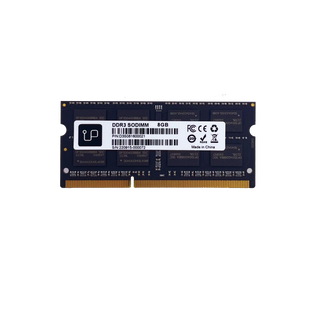
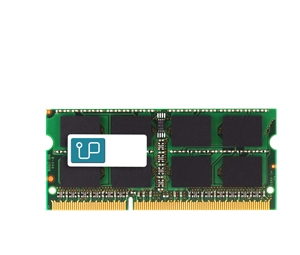
Memory Sockets: 2 slot(s)Maximum Memory: Supports up to 16GB
Model Id: Satellite P50t-A01C
Product Notes:
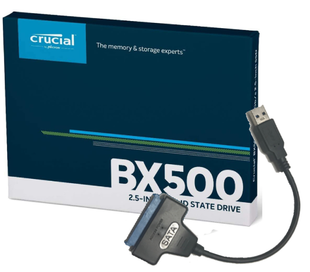
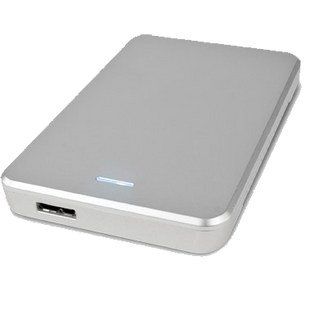
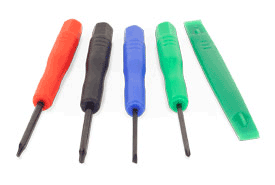
These notebooks shipped with either 8GB in one slot or two 8Gb for a maximum 16GB. If your notebook has the maximum 16GB of RAM, consider upgrading the hard drive to a SSD, it will increase the performance significantly. How to remove back panel to replace hard drive? To remove the back panel, there are four screws to be removed, they are located under four small rubber stoppers (do not remove the 4 large rubber stoppers that the laptops sits on) Once all of the screws are remove, you need to ply apart the notebook, separating the back from the front. You can use the plastic spludger in our screwdriver kit or started at the ethernet port as there is room to use your fingers if you do not have a tool.
Skip to Main Content


Sort + Filter
Upgrade Type:
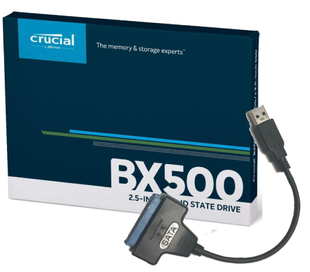
$839.00
UT1725
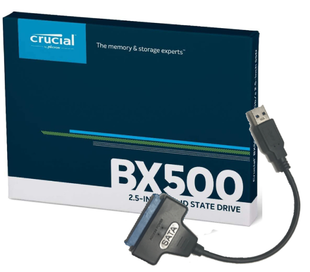
$439.00
UT1859
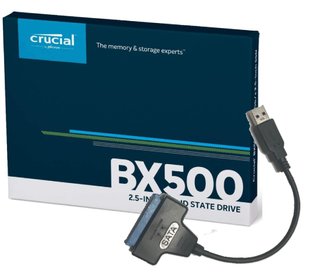
$309.00
UT1817
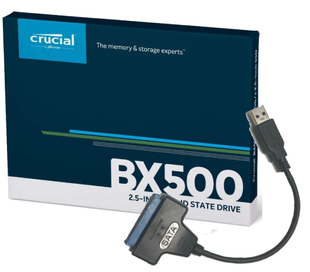
$219.00
UT1816
$129.00
UT1815
$48.00
UT1583
$37.00
UT1451
$37.00
UT1582
$16.00
UT1291
Do you need a RAM or SSD upgrade for Satellite P50t-A01C? The best advice we give our customers is...