
hp 14-r250tu
System Information
Manufacturer Specifications:
Memory Sockets: 1 slot(s)Maximum Memory: Supports up to 8GB
Model Id:
Product Notes:
To replace RAM is a simple procedure, the module is located under a service compartment underneath the notebook. To replace HDD please refer to HP service manual. The steps are: 1. Remove the battery 2. Remove service cover 3. Remove keyboard 4. Remove top cover 5. Remove USB board
Skip to Main Content

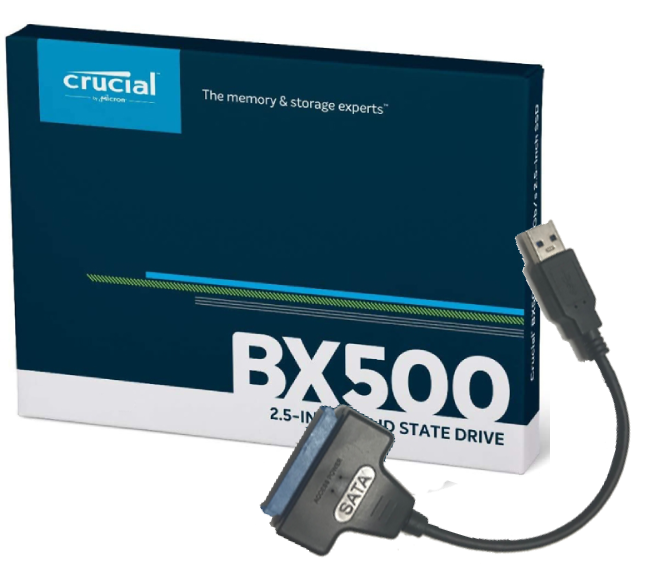


Sort + Filter
Upgrade Type:
$839.00
UH1725
$439.00
UH1859
$309.00
UH1817
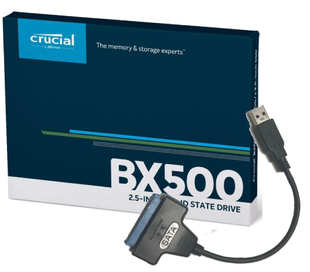
$219.00
UH1816
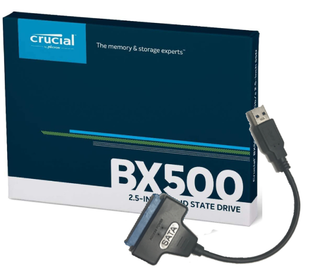
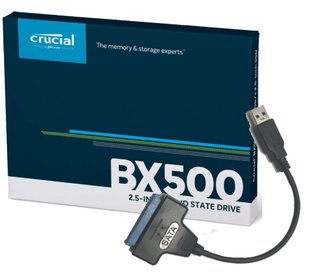
$129.00
UH1815


$48.00
UH1583


$37.00
UH1582
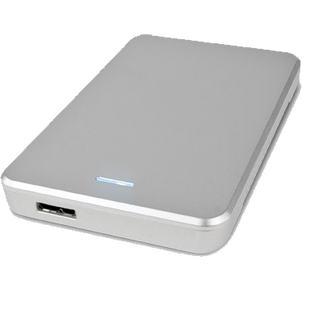
$37.00
UH1451
Do you need a RAM or SSD upgrade for hp 14-r250tu? The best advice we give our customers is...